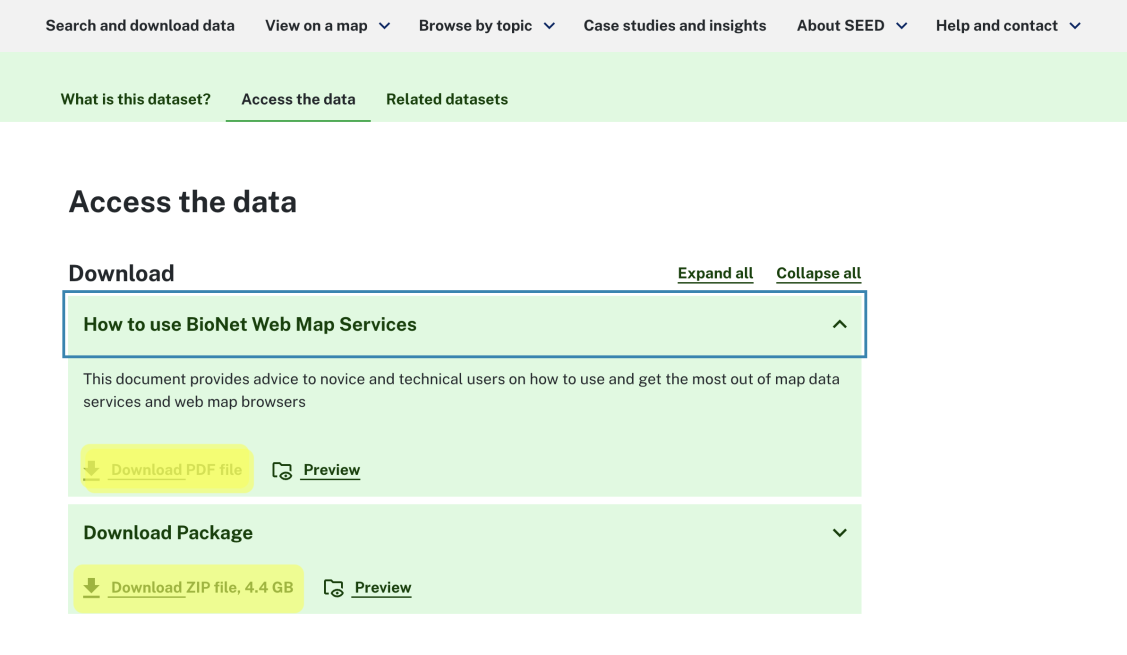
SEED’s dataset catalogue and dataset pages allow you to preview, access and download the data you need.
Preview data from the dataset catalogue
Each dataset results card lists the available data formats.

Preview data on a dataset page
You can preview a resource before you download it in the 'Access the data' tab.
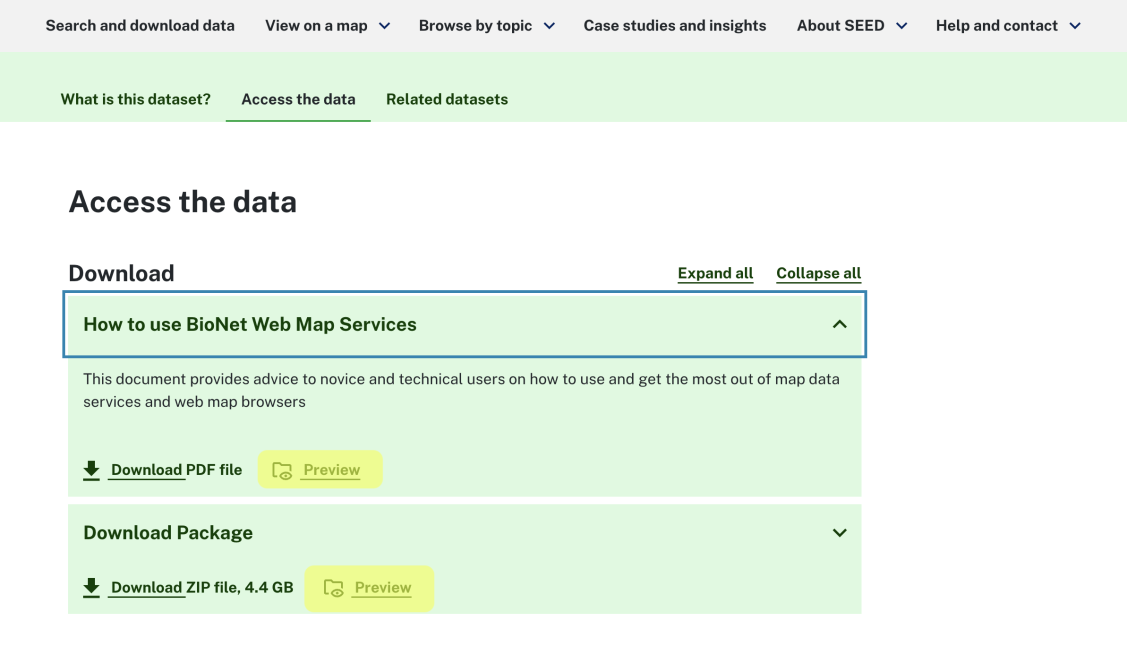
- PDFs can be previewed in full screen.
- ZIP files preview the files they contain, their size and the date last modified.
- Excel files preview the data in a table.
Access and download
Once you’ve reviewed the data, select ‘Download’.