Use the 'Upload layer from file' feature to view your own data layer alongside existing SEED Map data layers. While you can't save your data layer, you can view it and add other layers.
Before you begin
Check your file is one of these supported formats:
- CSVs
- Excel
- shapefiles, or
- zip files.
Add your data to the SEED Map
- Click ‘upload layer from file’
- Drag and drop your file.
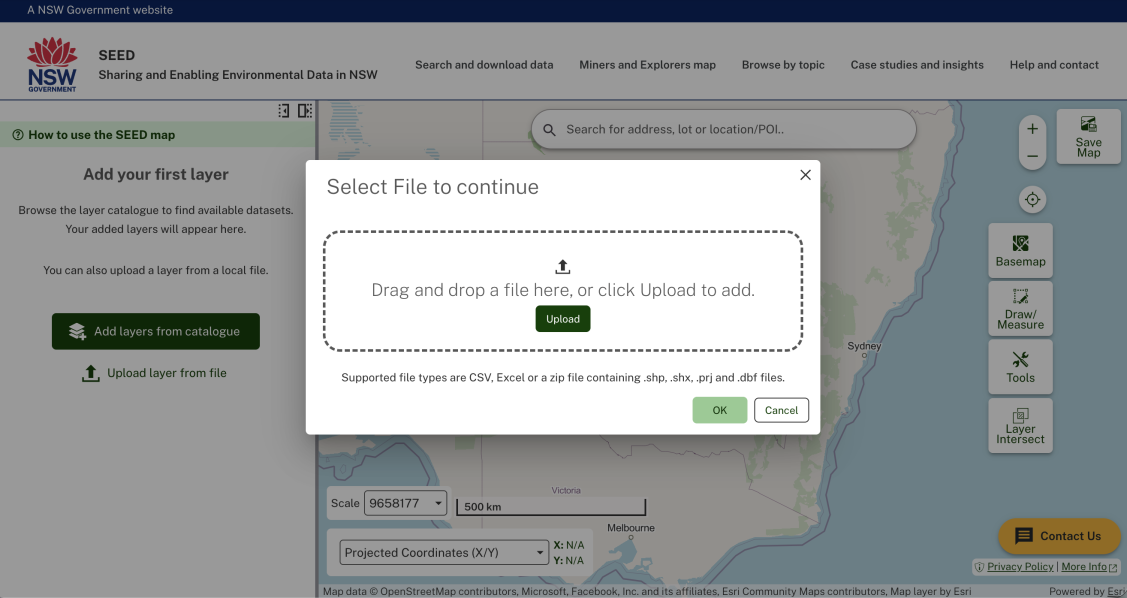
Now you can view your data with other existing map layers and view your layer with the same layer tools (like transparency) and legend.